Read our articles on boosting productivity, using BlockDistraction effectively, and tips for blocking distracting websites.
Also compatible with Opera, Edge and Brave. Explore BlockDistraction as a website blocker for Firefox Android.

Compare BlockDistraction with LeechBlock NG, BlockSite, Blockodile and Avrodh—and see where each blocker is genuinely stronger.
Read More
Learn what a browser extension can control, why some links leave the browser, and how to choose between browser, app, and device-level blocking.
Read More
Learn which extension actions Password Protection can guard, how a trusted password holder can help, and where browser-level protection has limits.
Read More
Set a daily time budget for distracting websites, then block them automatically after the allowance is used.
Read More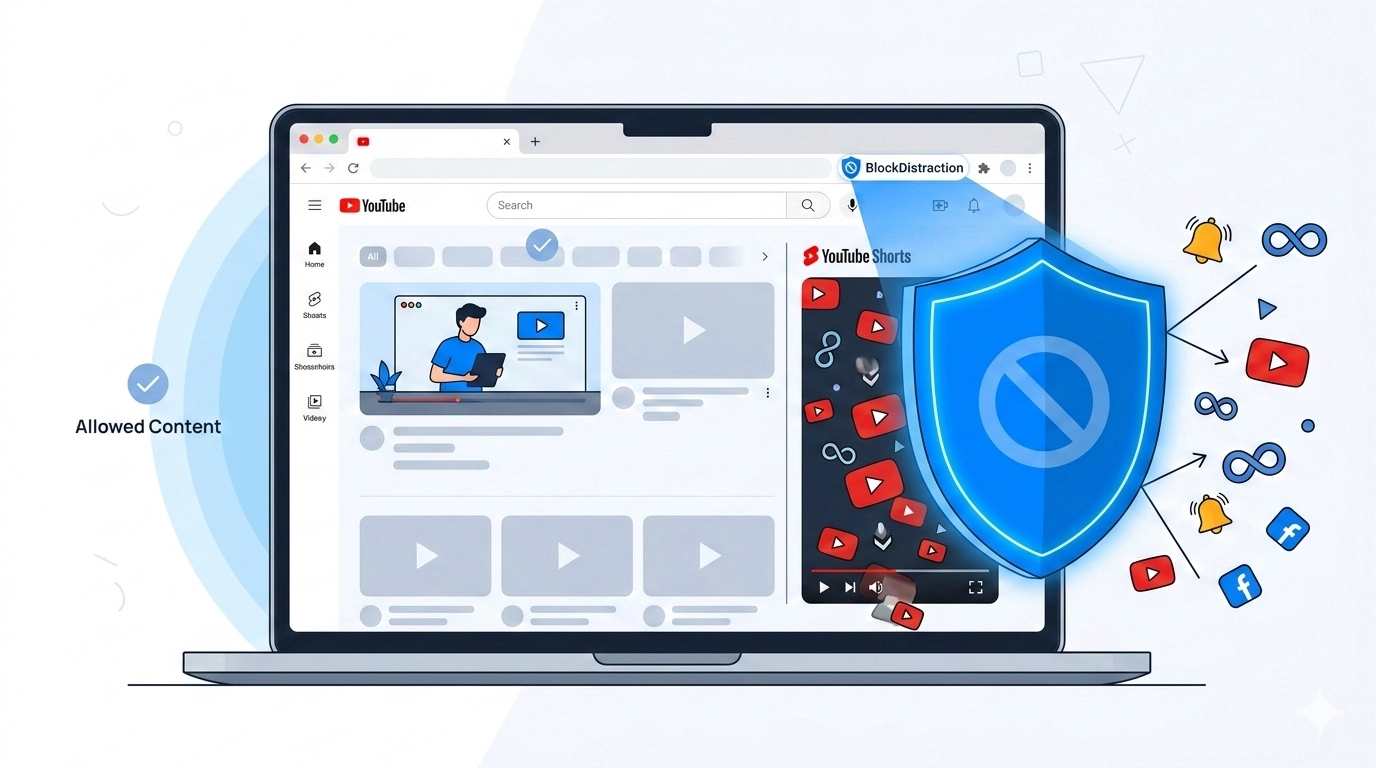
Block all of YouTube, target only Shorts, or use a schedule or Daily Limit directly inside Firefox Android.
Read More
Block Reddit completely, target one subreddit, or give the service a controlled daily time budget.
Read More
Choose between fixed blocking periods and flexible daily usage budgets for distracting websites.
Read More
Install a website blocker directly in Firefox for Android, create your first rule, and learn how profiles, schedules, Daily Limits and Focus Sessions work on mobile.
Read More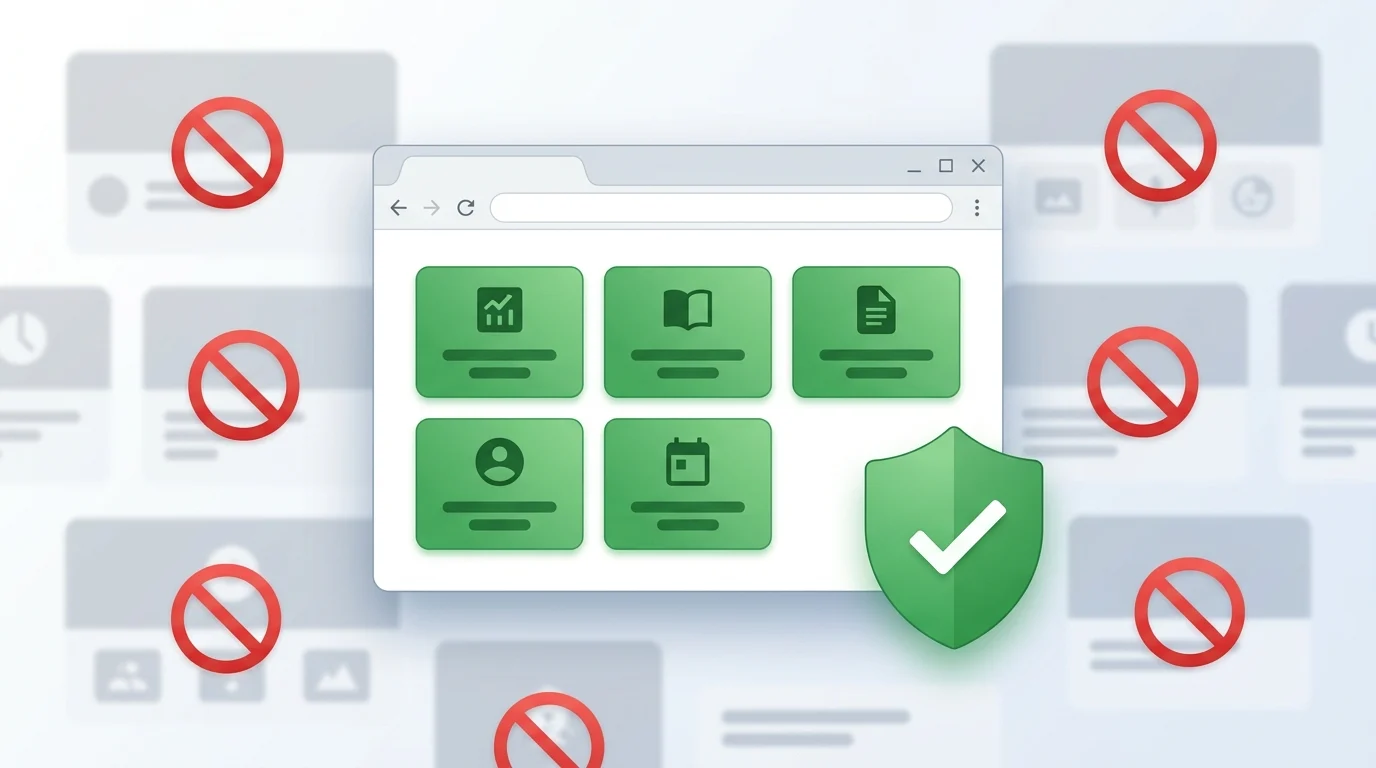
Stop deciding what to block. Learn how BlockDistraction’s Whitelist lets you keep essential websites available, use Blacklist and Whitelist rules together, and create a distraction-free workspace during Focus Sessions.
Read More
Protect a focused work period with Focus Sessions and Hardcore Mode, which prevents normal extension controls from stopping the session early.
Read More
Tired of infinite scrolling? Discover how to configure BlockDistraction to block only YouTube Shorts, keeping the rest of YouTube open for learning.
Read More
Discover the new Debug Mode in BlockDistraction Pro. View real-time logs, troubleshoot rules, and see exactly how the extension works under the hood.
Read More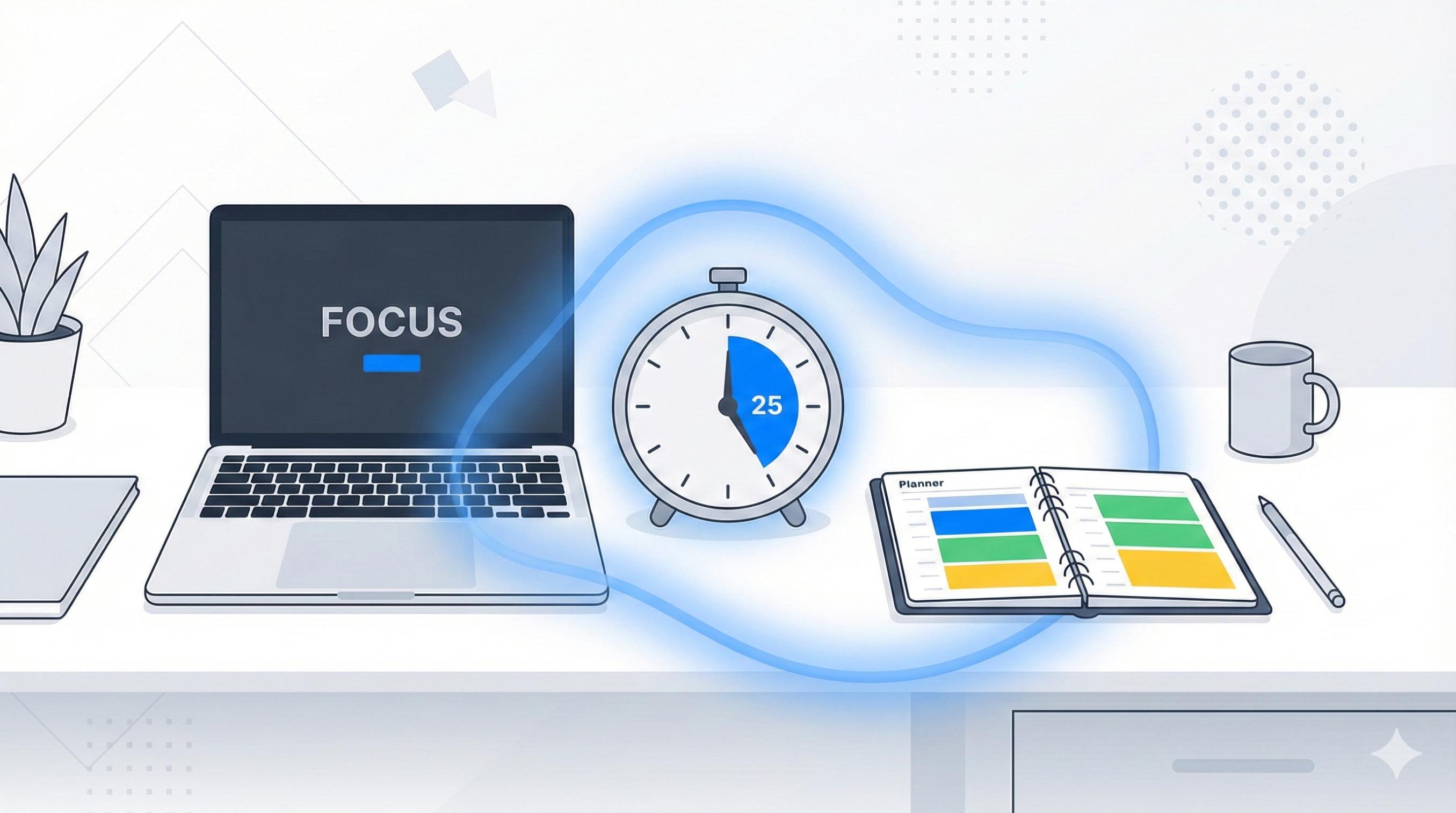
Use practical time-management techniques with BlockDistraction to reduce interruptions during work or study.
Read More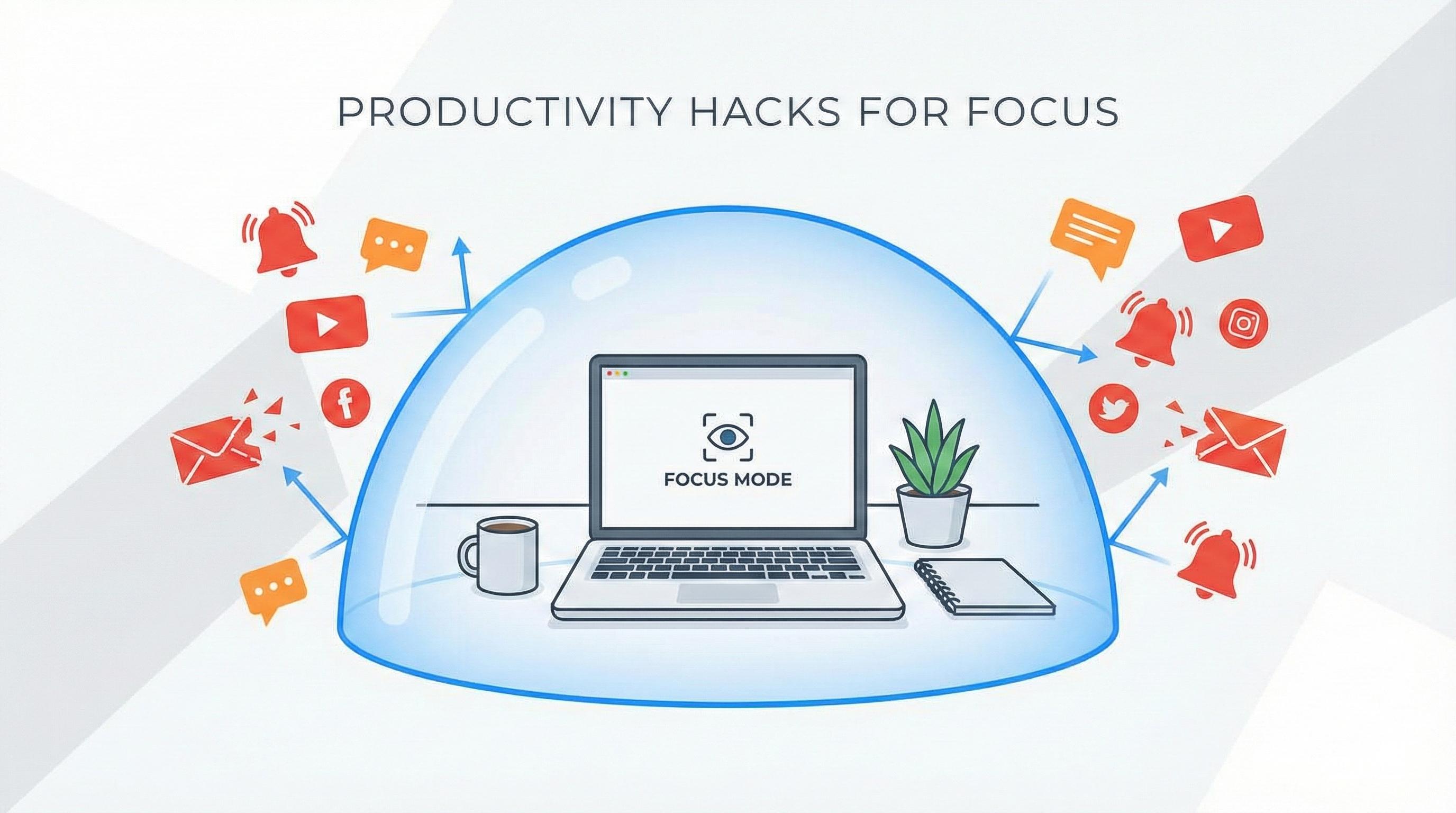
Learn how to configure BlockDistraction to block social media and focus on your work. From basic blocking to scheduling in the Pro version.
Read More
Find out how to set up site blocking by day and hour to work more efficiently. A Pro feature for self-discipline!
Read MoreData & Privacy: During payment, we process your email address and the transaction information needed to activate Pro features, calculate taxes, and manage your Pro access. Payments are securely handled by Paddle. Optional technical analytics in the Extension are separate, disabled by default, and never include browsing history, blocked website addresses, rule contents, email addresses, or license keys. For full details, see our Privacy Policy.
Have questions? Contact support or manage your Pro access on the My Account page.
 BlockDistraction
 Install for Chrome
 Install for Firefox
 Install for Edge