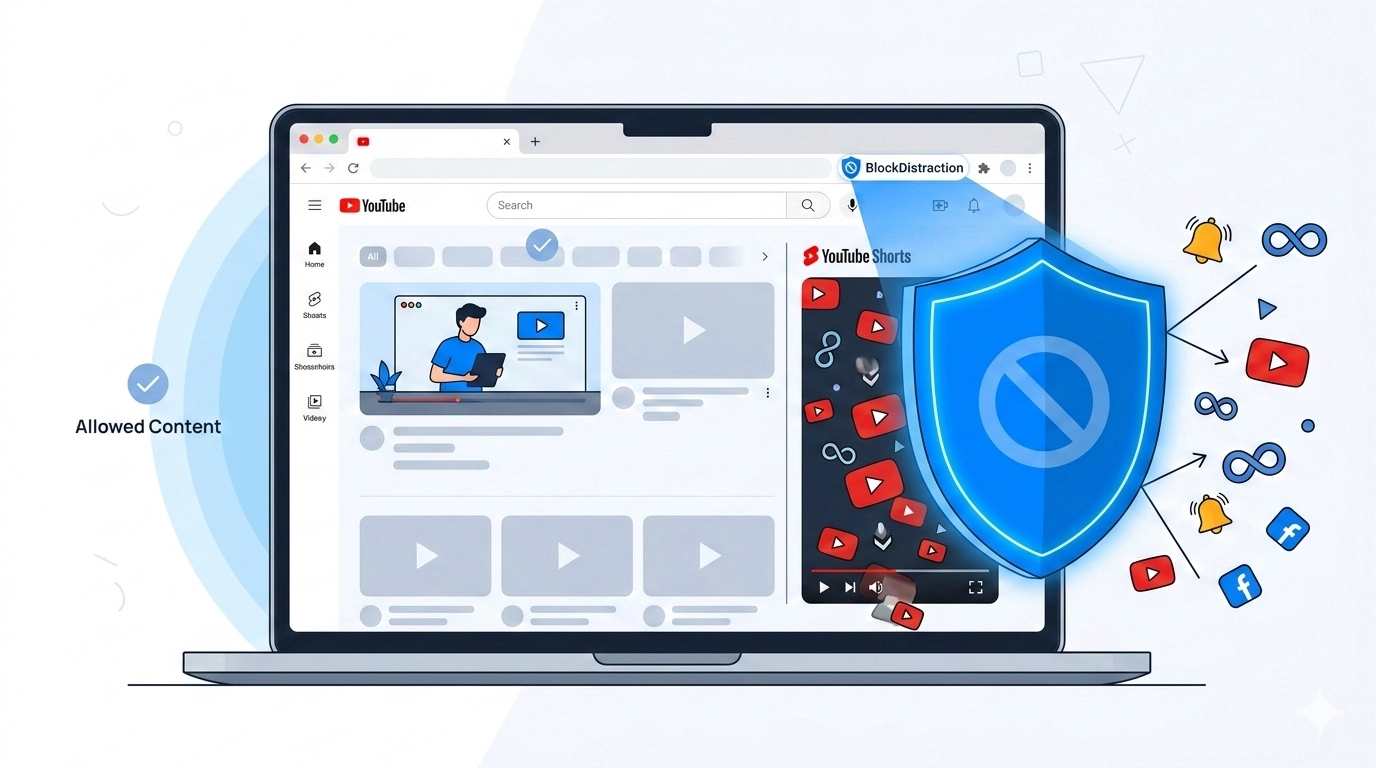
YouTube is an incredible resource for learning, coding tutorials, long-form documentaries, and deep dives into almost any topic imaginable. But it has a dark side: YouTube Shorts. Designed to deliver rapid-fire dopamine hits, Shorts can easily turn a quick five-minute break into an hour of mindless infinite scrolling.
Many productivity seekers face a dilemma. If you block youtube.com entirely, you lose access to valuable educational content and music playlists you might actually need for work or study. The good news is, with BlockDistraction, you don't have to choose the nuclear option.
Here is a simple, effective way to block only YouTube Shorts across both your desktop and mobile browsers, while keeping the rest of YouTube perfectly accessible.
Because YouTube hosts all of its Shorts under a specific directory path, BlockDistraction's URL targeting makes it incredibly easy to isolate and block them.
Click the BlockDistraction icon in your browser toolbar to open the popup window, or navigate directly to the extension's Settings page.
Look for the "Add New Rule" button and click it to open the blocking configuration.
In the input field where you normally type a website URL, carefully enter exactly this text:
youtube.com/shortsBy including the /shorts path, you are telling the extension to ignore regular YouTube videos and homepages, and only drop the hammer when you attempt to access the Shorts player.
BlockDistraction gives you two choices for what happens next when you inevitably click a Shorts link out of habit:
https://www.wikipedia.org. Now, every time you try to watch a Short, you'll be sent to learn something new instead!YouTube often changes pages without a full browser reload. Current BlockDistraction versions recheck the tab URL during this in-page navigation, so a youtube.com/shorts rule can stop Shorts even when you reach them from another YouTube page. The rule works in supported desktop browsers and in Firefox for Android while you stay inside the browser.
Mobile limitation: if Firefox or another browser opens a YouTube link in the separate YouTube Android app, the browser extension cannot control that app. Keep the link in the browser when you want the BlockDistraction rule to apply.
Take back your attention today. Set up the rule, reclaim those lost hours, and get back to enjoying the truly valuable content the internet has to offer without falling down the rabbit hole.
Also compatible with Opera, Edge, Brave, and Chrome Browser.
 BlockDistraction
 Install for Chrome
 Install for Firefox
 Install for Edge