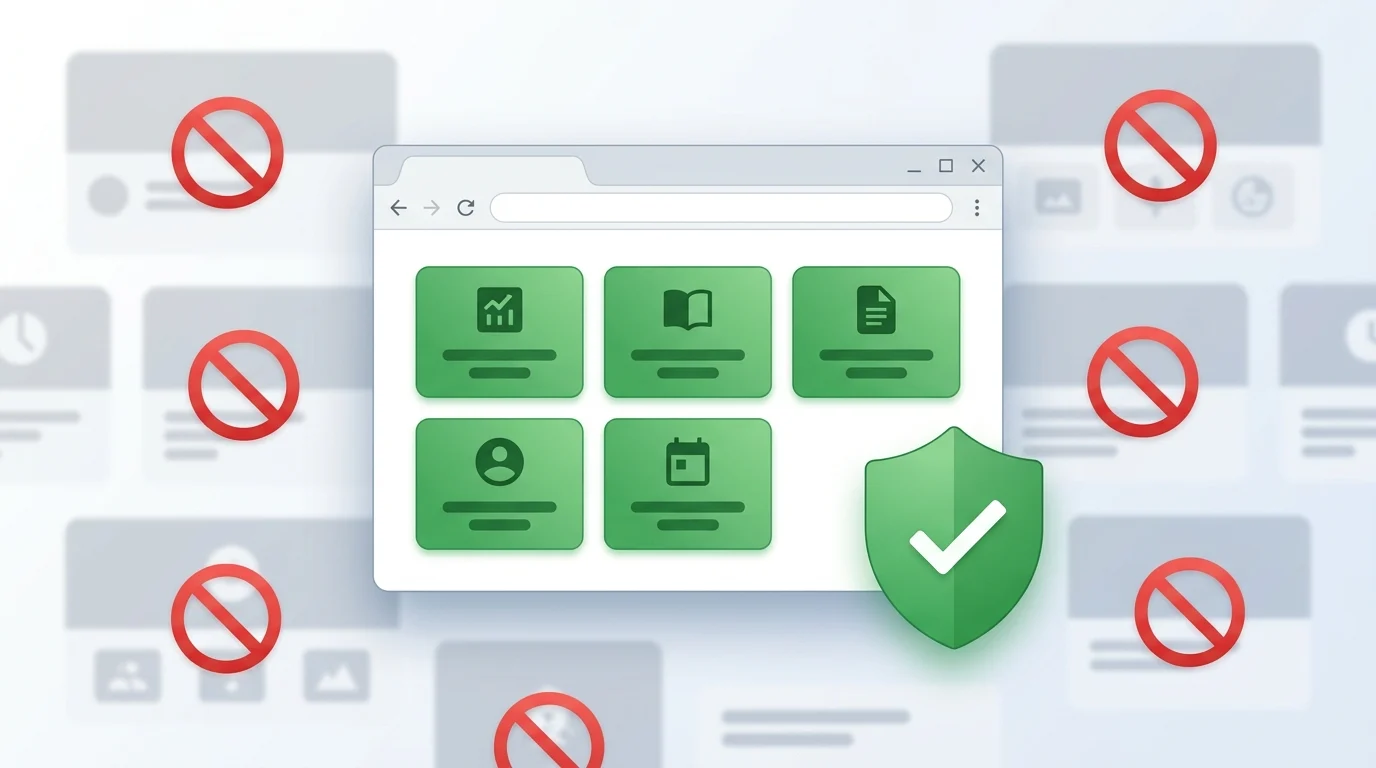
Most website blockers answer a simple question:
What do you want to block?
Block social media. Block YouTube. Block Reddit. Block shopping websites.
That works well – until your workday becomes more demanding.
Sometimes the better question is:
What websites do you actually need right now?
That idea inspired one of the newest additions to BlockDistraction Pro: Whitelist support.
Imagine you're about to spend the next two hours writing code, preparing for an exam, or finishing an important report.
You probably need only a handful of websites:
Everything else is simply noise.
Instead of maintaining an endless list of distracting websites, you can create a small collection of websites that are always allowed.
During a Focus Session, BlockDistraction can temporarily allow access only to those websites.
The result feels less like a browser – and more like a dedicated workspace.
Many blockers force you to choose between a Blacklist mode and a Whitelist mode.
That usually means maintaining two different configurations or constantly switching between them.
BlockDistraction takes a different approach.
Blacklist and Whitelist rules simply exist together.
You can continue adding distracting websites to your Blacklist while also keeping important websites in your Whitelist.
There is nothing to switch. Nothing to reconfigure. Everything works together automatically.
Whitelist becomes especially powerful when combined with Focus Sessions.
Before starting a session, Pro users can choose between two strategies:
Whether you're studying, coding, writing, or preparing a presentation, you can instantly turn your browser into a distraction-free environment.
Whitelist rules look and behave just like your regular rules.
You can create them from the popup or from the Settings page.
They appear alongside your other rules and are highlighted using a green color scheme for quick recognition.
Importing and exporting rules works exactly as before – Whitelist rules are included automatically.
There are no separate files and no additional management steps.
Productivity tools shouldn't require complicated workflows.
The goal of Whitelist support isn't to introduce another operating mode.
The goal is to remove decisions.
When it's time to focus, your browser should already know which websites deserve your attention.
Everything else can wait.
Whitelist support is available in BlockDistraction Pro and works together with Focus Sessions, Scheduled Blocking, Categories, and every other Pro feature.
Also compatible with Opera, Edge, Brave, and Chrome Browser.
 BlockDistraction
 Install for Chrome
 Install for Firefox
 Install for Edge