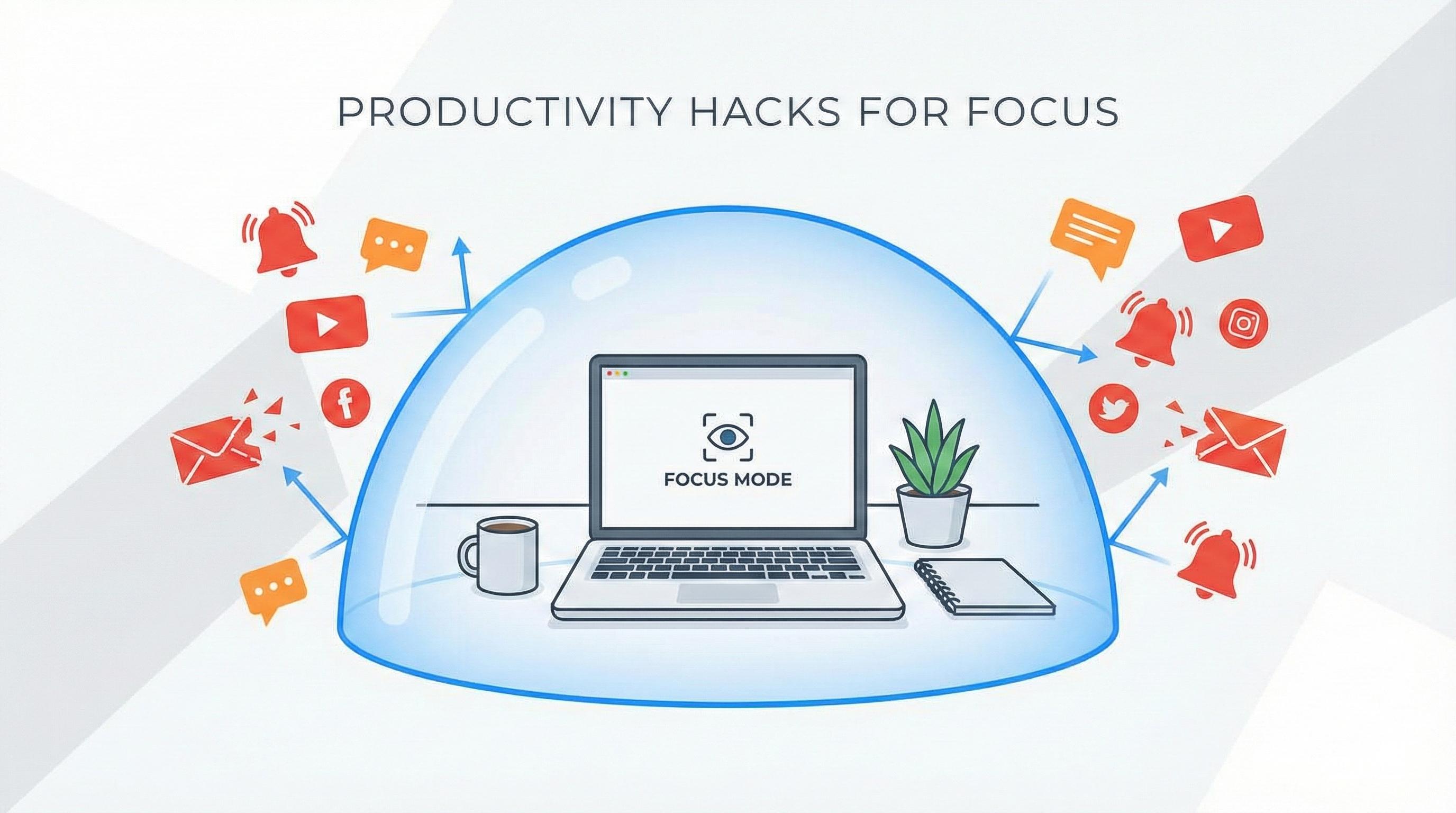
We've all been there. You sit down to work on an important task, and the next thing you know, an hour has vanished into the abyss of social media feeds, news articles, and "just one more" YouTube video. The modern internet is designed to capture our attention. BlockDistraction is designed to give it back to you.
But simply installing a site blocker is only the first step. To truly transform your focus, you need a strategy. Here are five practical ways to configure BlockDistraction, from basic techniques to powerful Pro features, that will help you eliminate distractions and get more done.
This is the core of BlockDistraction and your first line of defense against procrastination. You have a deadline looming, and you can't afford any distractions for the next two hours.
Open the BlockDistraction extension, type in the websites that tempt you the most (e.g., youtube.com, facebook.com, instagram.com), and click "Block". That's it. For the next two hours, your biggest time-wasters are inaccessible. This simple, immediate action is perfect for short, intense work sprints.
We often know what's good for us, but our impulsive side can sabotage our best intentions. You might block a site, only to cave in and disable the rule five minutes later. Strict Mode is designed to protect you from yourself.
In the extension's settings, enable "Strict Mode". Now, whenever you try to delete a blocking rule, you'll face a 10-second countdown where you have to hold the button. This brief delay is often enough to make you reconsider and ask yourself, "Do I really need to check Twitter right now?" It’s a small but powerful psychological trick to enforce your own rules.
The most effective way to build a habit is to automate it. Instead of relying on willpower to block sites every single day, let BlockDistraction do it for you. This is where you transform the tool from a reactive measure into a proactive productivity system.
With Pro, you can create schedules. For example, set up a "Workday" schedule that automatically blocks all social media, news sites, and shopping platforms from 9:00 AM to 5:00 PM, Monday through Friday. You set it once, and your work environment is automatically distraction-free every day. No willpower required.
Sometimes, we need an extra layer of commitment. Password Protection adds friction before sensitive extension settings can be changed.
In the Pro settings, you can protect sensitive actions with a password. For stronger accountability, a partner, friend, or colleague can retain it. This makes impulsive changes inside the extension harder, but it is not a replacement for operating-system parental controls or managed-device policies.
You can't improve what you don't measure. Often, we don't even realize how automatically we try to access distracting sites. The Statistics feature provides a simple yet powerful reality check.
Our extension is built with respect for your privacy. It uses modern declarativeNetRequest technology from Google. This means the extension does not see or track the specific sites you attempt to visit. All processing happens directly within your browser, and we have no access to your history.
Instead, the extension keeps a simple counter that shows the total number of times a blocking rule has been triggered. Seeing in a report that you unconsciously tried to open a blocked resource 47 times during the day can be a shocking, yet incredibly motivating, revelation.
This data, while minimalistic, helps you understand the scale of your habit, recognize impulsive behavior, and appreciate how many times the extension has truly helped you stay focused.
BlockDistraction is more than just a tool; it's a system that adapts to your needs. Start with the simple, powerful features in the free version. When you're ready to build an automated and unbreakable focus routine, the Pro version is waiting to take your productivity to the next level.
Also compatible with Opera, Edge, Brave, and Chrome Browser.
 BlockDistraction
 Install for Chrome
 Install for Firefox
 Install for Edge