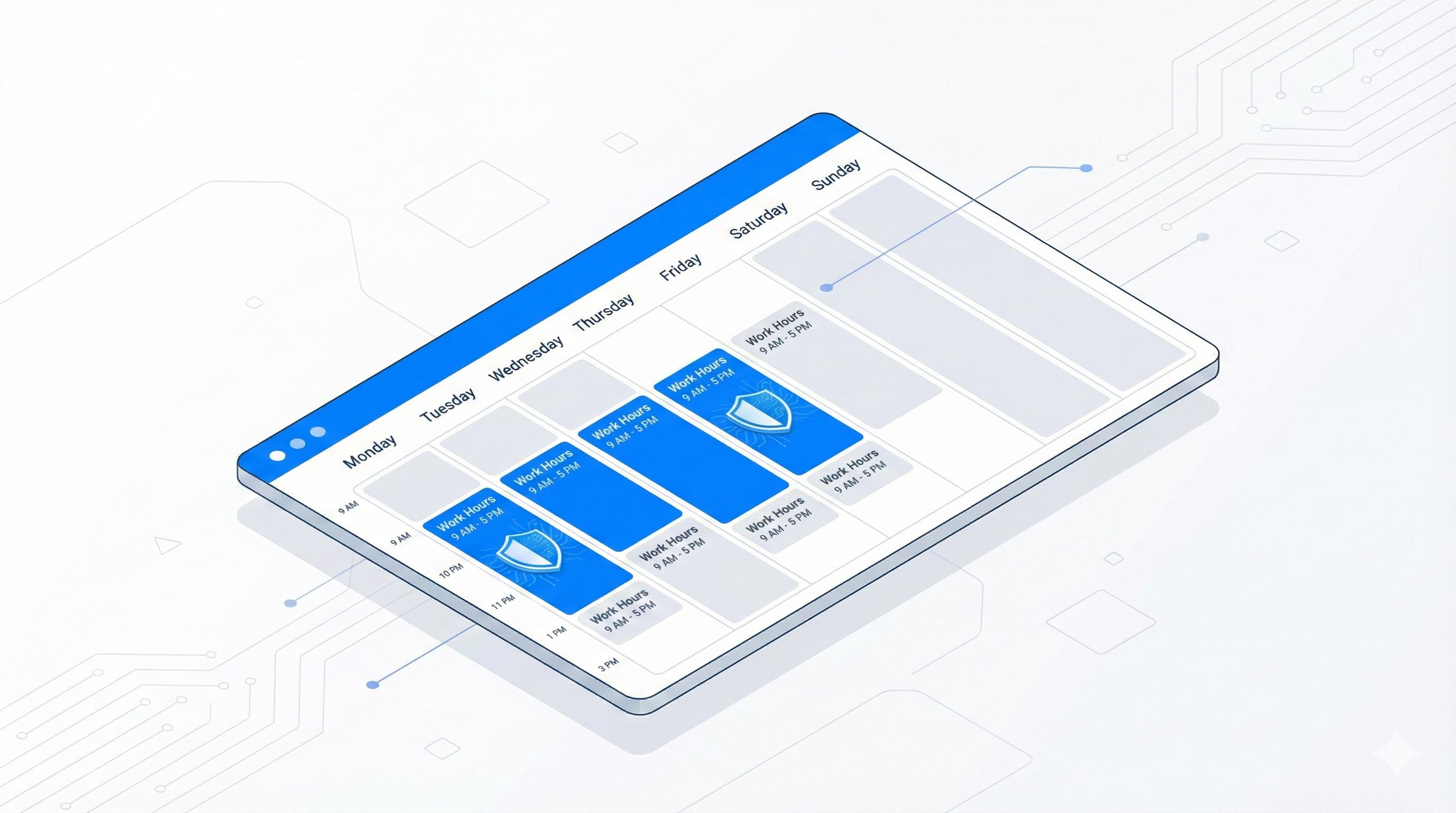
Use Scheduled Blocking in BlockDistraction Pro to block a website during selected days and hours. A rule can follow weekday work hours, separate weekend hours, or an overnight period. The schedule repeats each week in the active Rule List profile.
This guide covers schedules for individual website rules. To automatically start a timed session using your current rules, use Scheduled Focus instead.
facebook.com.09:00 to 17:00.The rule applies during its scheduled periods. Outside those periods, it does not block the website; another active rule or Focus Session may still apply.
Days in one time group share the same start and end time. Use Add time group to give another set of days different hours:
09:00 to 17:00.11:00 to 14:00.A weekday can belong to only one time group in the same schedule. Put days with matching hours together, and assign different days to another group.
An end time earlier than the start time crosses midnight. For example, selecting Monday with 22:00 to 07:00 creates a period starting Monday night and ending Tuesday morning. Select the days on which you want each overnight period to start.
For the illustrated setup, see Scheduled Blocking in the user guide. For mobile setup, see Firefox Android schedules and Daily Limits.
Also compatible with Opera, Edge, Brave, and Chrome Browser.
 BlockDistraction
 Install for Chrome
 Install for Firefox
 Install for Edge