 BlockDistraction
How to Block YouTube on Firefox for Android
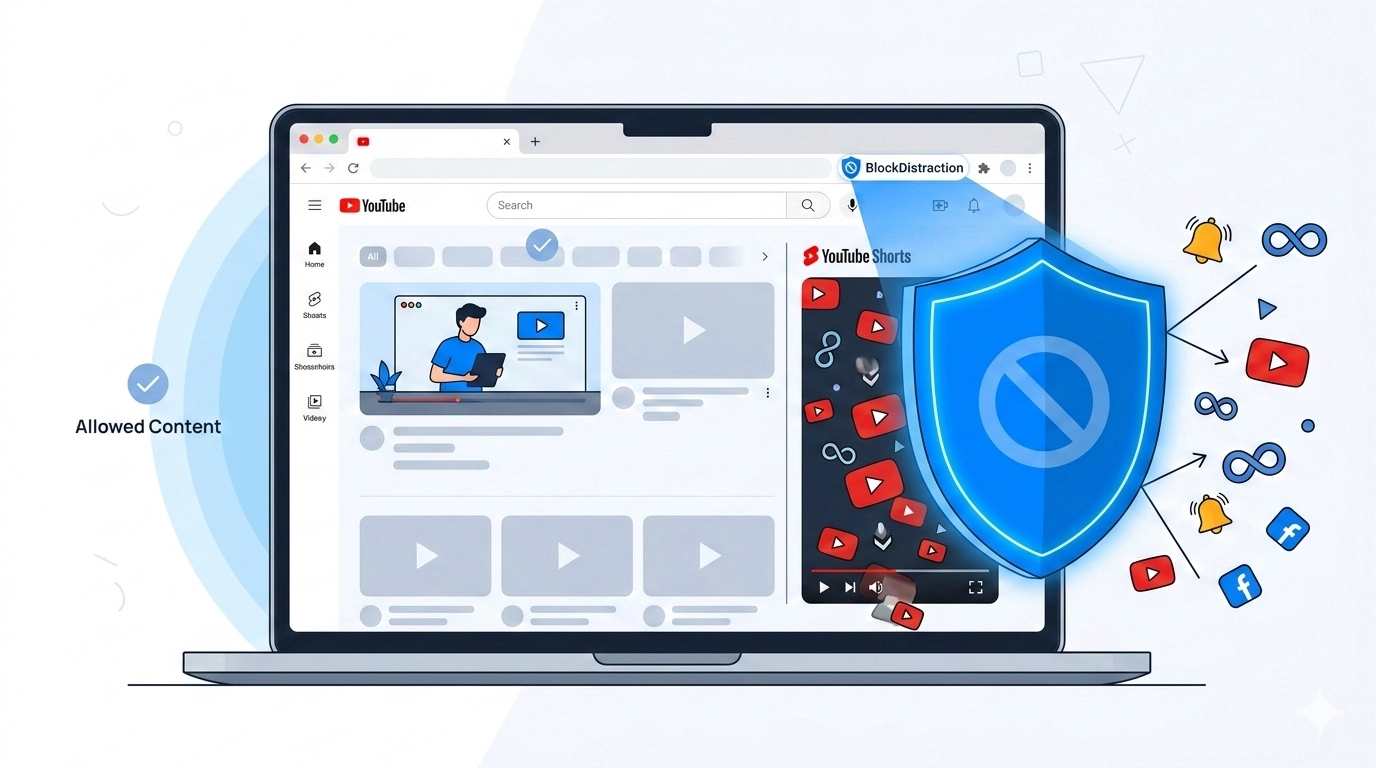
YouTube can be both useful and difficult to leave. In Firefox for Android, BlockDistraction lets you choose a level of control that matches the problem: block the whole service, target only Shorts, restrict access to certain hours, or set a daily time budget.
If BlockDistraction is not installed yet, follow the complete Firefox Android setup guide first.
Option 1: Block All of YouTube
Open BlockDistraction from Firefox's Extensions menu, create a rule, and enter the domain without a protocol:
youtube.com
Leave the redirect field empty to show the BlockDistraction blocked page, or enter a complete redirect URL if you want YouTube attempts to lead somewhere more useful.
A domain rule is the simplest choice when YouTube is not required for your current routine. In Pro, place it in a Work or Study profile so it does not have to affect every context.
Option 2: Block YouTube Shorts Only
If you still need tutorials, music or long-form videos, target the Shorts path instead of the whole domain:
youtube.com/shorts
This rule targets Shorts URLs while leaving ordinary YouTube pages available. For a longer explanation of path-specific blocking, see How to Block YouTube Shorts Without Blocking YouTube.
Option 3: Give YouTube a Daily Limit
Complete blocking is not always necessary. With Pro, select Daily limit as the rule's assignment mode and choose a daily budget. YouTube remains available while matching pages are visibly active in the foreground. When the budget is exhausted, blocking begins until the next local day.
Daily Limits are useful when you want intentional access without allowing an open-ended session. Usage is stored locally on the current device and can be different in another Rule List profile.
Option 4: Block YouTube on a Schedule
Choose Schedule when the problem is tied to predictable hours. For example, block YouTube from 09:00 to 17:00 on weekdays while leaving it available in the evening.
Schedule and Daily limit are alternative modes for the same assignment. Use Schedule for fixed unavailable periods and Daily limit when the amount of use matters more than the exact time.
Test the Rule in Firefox
- Save the rule in the intended Rule List profile.
- Return to a normal Firefox tab.
- Open the YouTube address that should match.
- If it remains available unexpectedly, confirm the active profile, category state and assignment mode.
This controls websites opened inside Firefox. It does not block the separate YouTube Android app. If links keep leaving Firefox, you can set Firefox's Open links in apps preference to Never yourself. BlockDistraction does not change that browser setting. See the browser blocker vs app blocker guide for the full distinction.
Block YouTube in Firefox Android
Install BlockDistraction and choose the rule that fits how you actually use YouTube.