 BlockDistraction
Schedules vs Daily Limits on Firefox Android
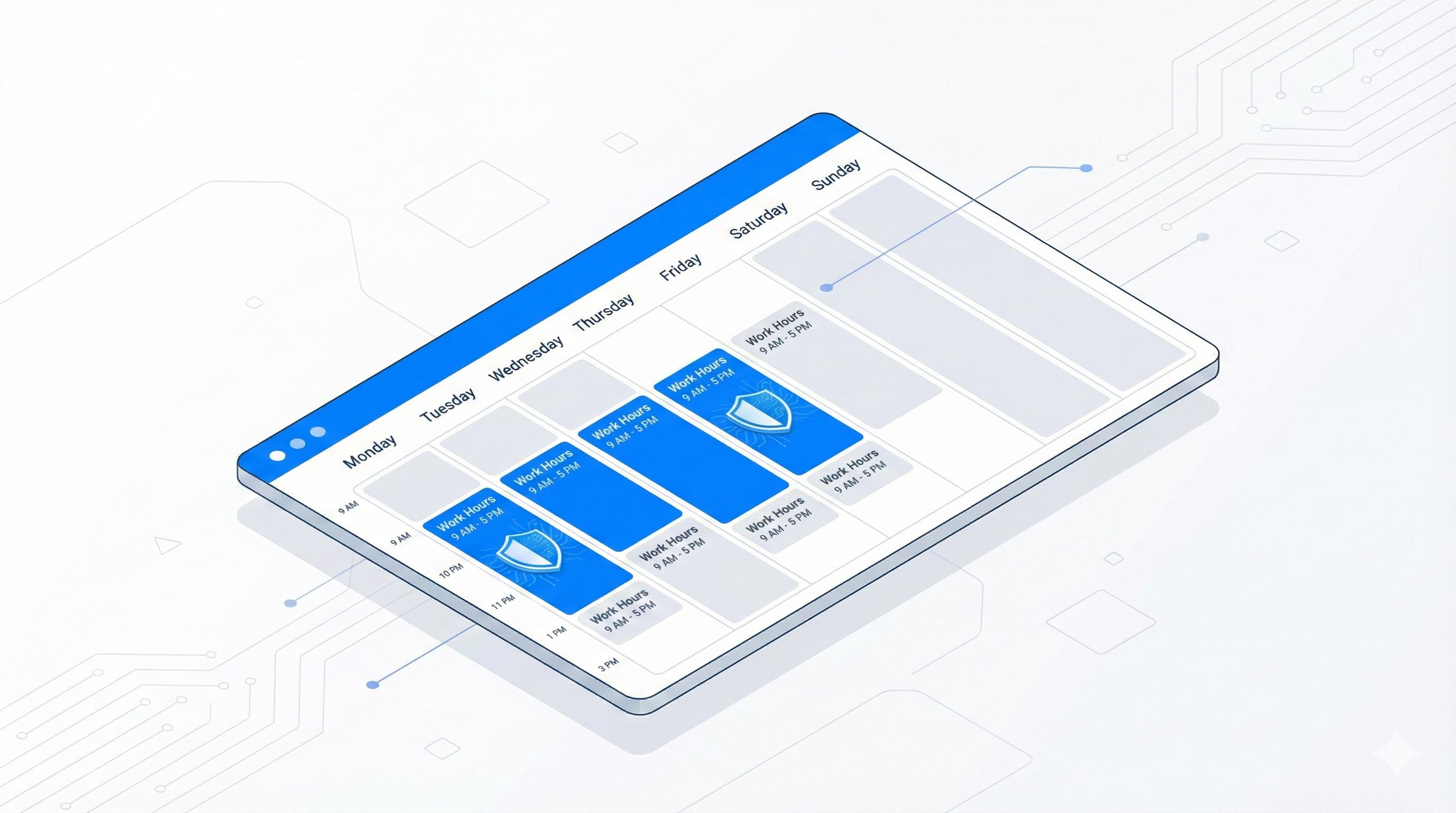
Some websites should be unavailable during work. Others are useful, but only in moderation. BlockDistraction Pro supports both situations in Firefox for Android through two different rule assignment modes: Schedule and Daily limit.
These modes are configured from the full BlockDistraction settings page. See the Firefox Android setup guide if you have not opened it before.
The Short Answer
| Mode | Use it when | Example |
|---|---|---|
| Schedule | The site should be blocked during predictable days and times. | Block social media from 09:00 to 17:00 on weekdays. |
| Daily limit | The site can remain available until a daily usage budget is spent. | Allow 20 minutes of Reddit or YouTube each day. |
A single rule assignment cannot use Schedule and Daily limit together. Select the mode that represents the actual boundary you want.
How Scheduled Blocking Works
A scheduled rule becomes active only inside its configured weekly periods. Outside those periods, the site remains available unless another active rule or Focus Session blocks it.
- Open the full settings page.
- Select the intended Rule List profile.
- Create or edit a rule.
- Choose Schedule.
- Select the days and time periods, then save.
Schedules work well for recurring routines: working hours, classes, evenings, overnight periods, or weekends with different boundaries.
How Daily Limits Work
A Daily Limit allows the matching site until its daily budget is exhausted. BlockDistraction counts visible foreground use locally. Background tabs and long browser sleep gaps are not charged when continuous foreground use cannot be confirmed.
- Open the full settings page and select a profile.
- Create or edit a rule.
- Choose Daily limit.
- Set the daily budget, then save.
When the budget is exhausted, blocking begins until the next local calendar day. Current usage is device-local and is not included in an exported rules backup.
Profiles Let the Same Site Behave Differently
Rule List profiles make the choice contextual. A YouTube rule can use Schedule in Work and a Daily Limit in Personal. Only the active profile applies during normal blocking, so its assignment modes and category states move together.
When a Focus Session Is Better
Schedule and Daily limit shape normal recurring behavior. A Focus Session is better when you need an immediate temporary boundary. It acts as a global override above profile, category, schedule and Daily Limit state for the selected duration.
Two Practical Examples
- YouTube on Firefox Android: block the whole service, target Shorts, or assign a daily budget.
- Reddit on Firefox Android: block Reddit during work or allow a measured amount of browsing.
Choose the Right Boundary
Install BlockDistraction for Firefox Android, then use fixed schedules or measured daily access where each makes sense.